

Liquid Glass was announced in June (released with iOS 26 in October), and since then Flutter community has been impatiently looking for the solution that will bring Liquid Glass to Flutter. And here it is!
A bit of the history.
If you are a member, please continue, otherwise, read the full story here.
Previous attempts and why they were not good enough
Let's look at pub.dev.
If we search for the liquid glass, we will find the next packages:
liquid_glass No example, no github link. Something shady.
liquid_glass_renderer Very nice, highly upvoted, cross-platform, probably the best attempt so far. Only works with Impeller, so Windows and Web are not supported. Performance issues.
cupertino_native Uses native iOS components. Vibe coded over the weekend by the Serverpod founder. Not cross-platform.
adaptive_platform_ui Renders components depending on the platform. Not cross-platform.
oc_liquid_glass Depends on Impeller. Not work on Windows and Web.
liquid_glass_ui One-line implementation of a regular glassmorphic container with DropFilter.blur. The author managed to get some likes and downloads, but what's the point, after all? 😕
liquid_glass_ui_design This is probably the most complete UI library for traditional glassmorphic design with frozen glass effect. Like the previous, the author just exploits the word "liquid". Worth giving a try, but it is not a liquid glass in any way.
So, to wrap it up, existing solutions either depend on Impeller or use native iOS components and thus are not cross-platform, or offer just a regular glassmorphic design without any liquid.
And here is our hero:
A Flutter package that adds real-time, interactive liquid glass lenses. These dynamic lenses can magnify, distort, blur, tint, and refract underlying content — creating stunning, glass-like effects that respond fluidly to movement and touch.
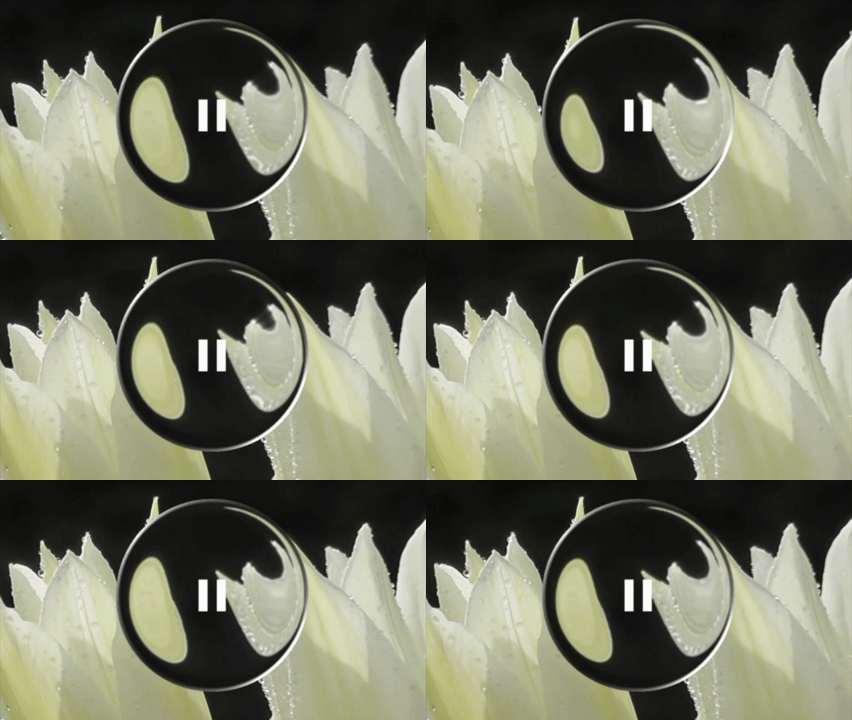
Unlike traditional glassmorphism or static blur effects, LiquidGlassEasy simulates real glass physics — complete with refraction, distortion, and fluid responsiveness. It captures and refracts live background content in real time, producing immersive, motion-reactive visuals that bring depth and realism to your UI.
Features
💠 True liquid glass visuals — replicate the look and physics of real glass with fluid transparency, soft highlights, and refraction that bends light naturally through your UI.
🌀 Real-time lens rendering — see distortion, blur, tint, and refraction react instantly as elements move behind the glass.
🎨 Custom shapes — design lenses as rounded rectangles, circles, or smooth superellipses that perfectly match your interface style.
🌈 Fully customizable effects — control tint color, intensity, softness, refraction depth, and light direction for precise glass behavior.
🧠 Controller-driven animations — show, hide, or animate lenses in real time through the
LiquidGlassController.
⚙️ Shader-driven, GPU-accelerated pipeline — ensures smooth, high-FPS performance even with multiple dynamic lenses.
📱 Cross-platform compatibility — works seamlessly on Android, iOS, Web, macOS, and Windows.
Let's try it together.
Add package to the project:
flutter pub add liquid_glass_easyThe Example tab on pub.dev contains the official example, which is pretty long, so I will not repost the code here.
But what I get is that we should use two widgets to create a liquid glass effect: LiquidGlassView and LiquidGlass .
LiquidGlassView(
          controller: viewController,
          backgroundWidget: Image.network(
                                 "https://raw.githubusercontent.com/AhmeedGamil/liquid_glass_easy_assets/refs/heads/main/flower.jpg",
                                fit: BoxFit.fitWidth,
                                width: double.infinity,
                                height: double.infinity,
                            ),
          pixelRatio: 1,
          useSync: true,
          realTimeCapture: true,
          refreshRate: LiquidGlassRefreshRate.deviceRefreshRate,
          children: [
               LiquidGlass(
                controller: lensController,
                position:
                const LiquidGlassAlignPosition(alignment: Alignment.center),
                width: 100,
                height: 100,
                magnification: 1,
                enableInnerRadiusTransparent: false,
                diagonalFlip: 0,
                distortion: 0.225,
                distortionWidth: 50,
                draggable: true,
                outOfBoundaries: true,
                blur: LiquidGlassBlur(sigmaX: 0.75, sigmaY: 0.75),
                shape: RoundedRectangleShape(
                    //highDistortionOnCurves: true,
                    cornerRadius: 50,
                    borderWidth: 1,
                    borderSoftness: 2.5,
                    lightIntensity: 1.5,
                    lightDirection: 39.0),
              child:
                Container(
                  decoration:  BoxDecoration(borderRadius: BorderRadius.circular(50),),
                  child: InkWell(
                    borderRadius: BorderRadius.circular(50),
                      child: Container(
                          height: 50,
                          width: 50,
                          child: Icon(
                            color: Colors.white,
                          Icons.pause,
                            size: 36,
                          ))),
                ),
              ),
We should create view and lens controllers:
  final viewController = LiquidGlassViewController();
  final lensController = LiquidGlassController();
And we will get the following:
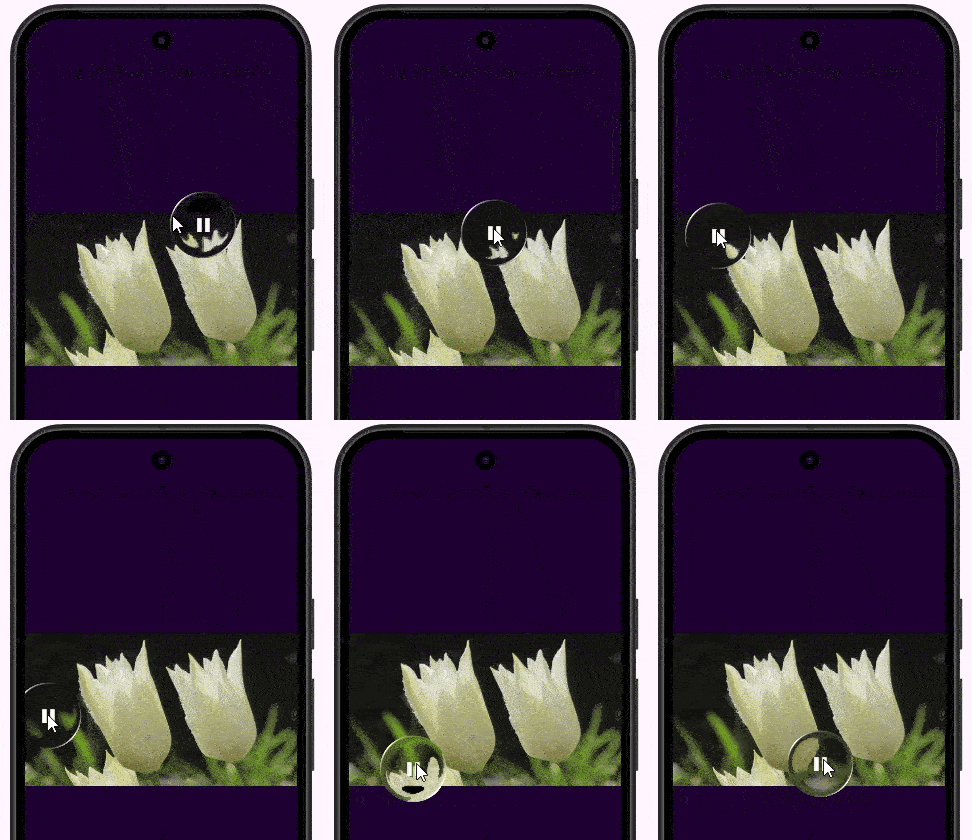
The GIF is low quality to save your bandwidth 😉. But the liquid glass effect is nice, isn't it?
Let's check more examples from the same example app.
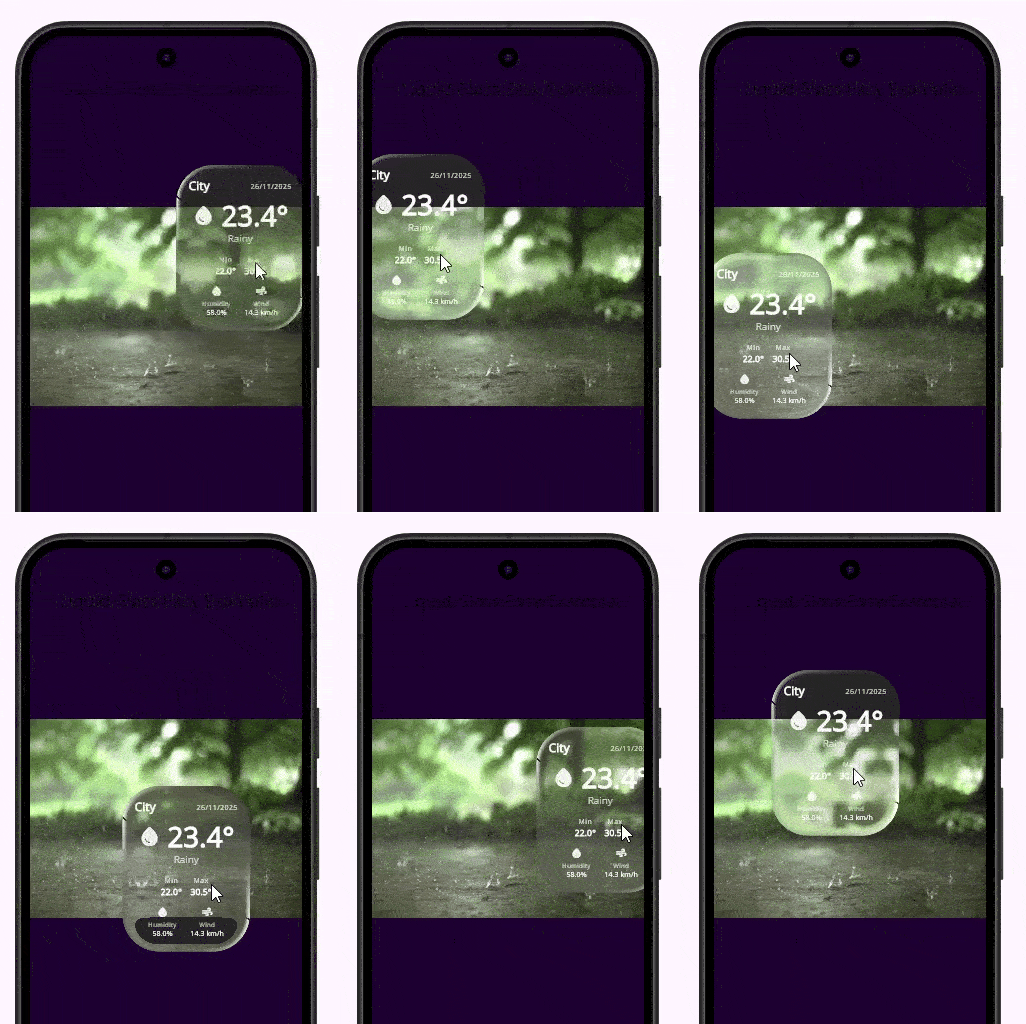
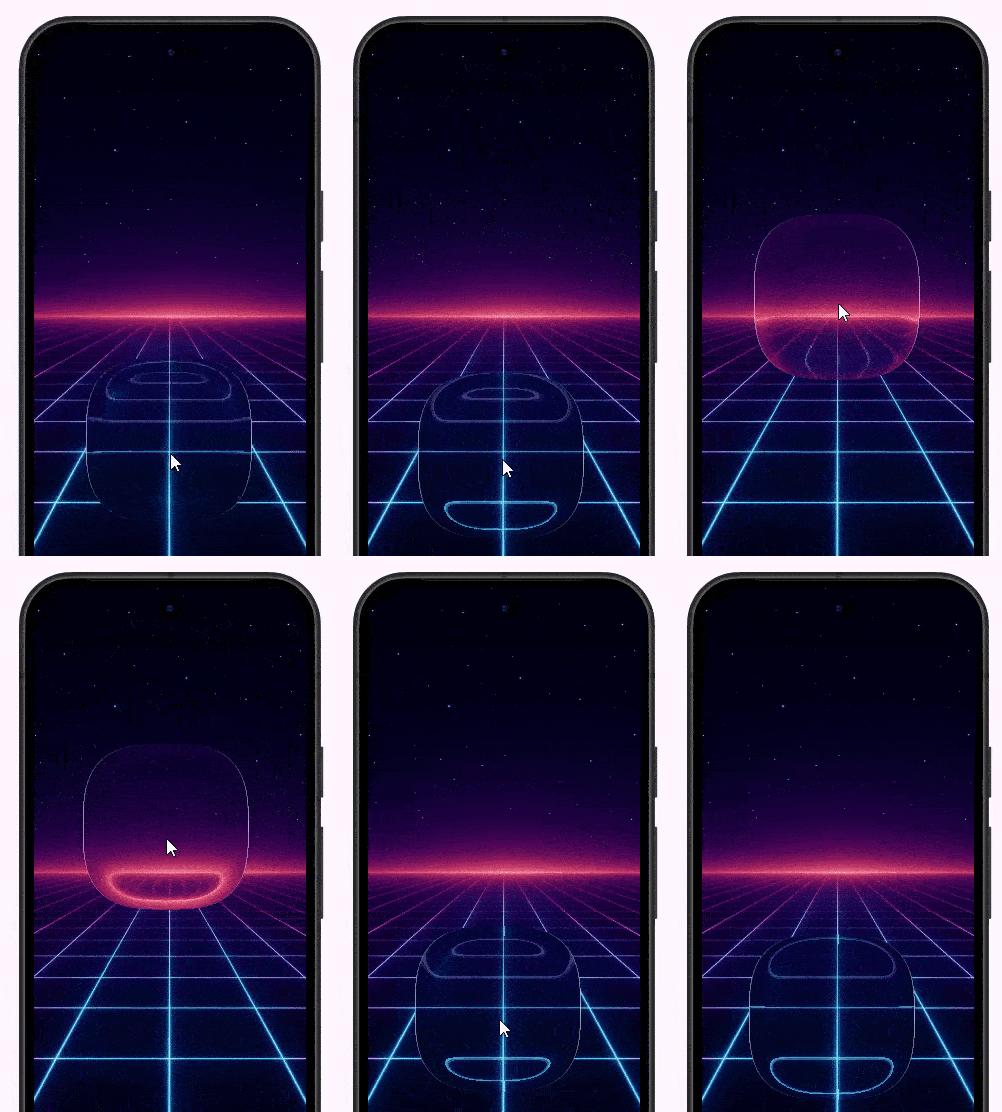
Documentation
Documentation on pub.dev is basic, but classes are well commented, and there is the showcase app that allows playing with attributes:
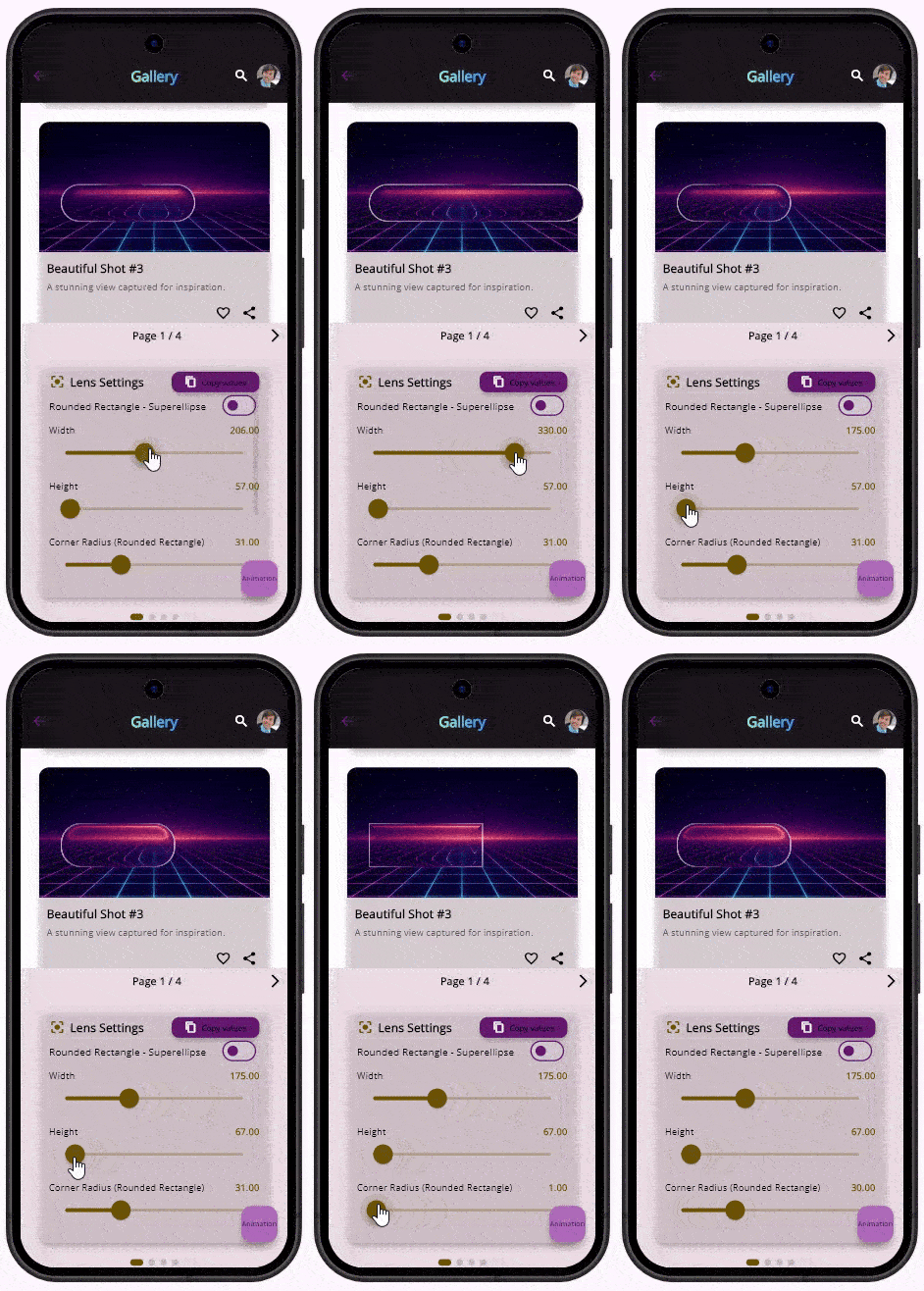
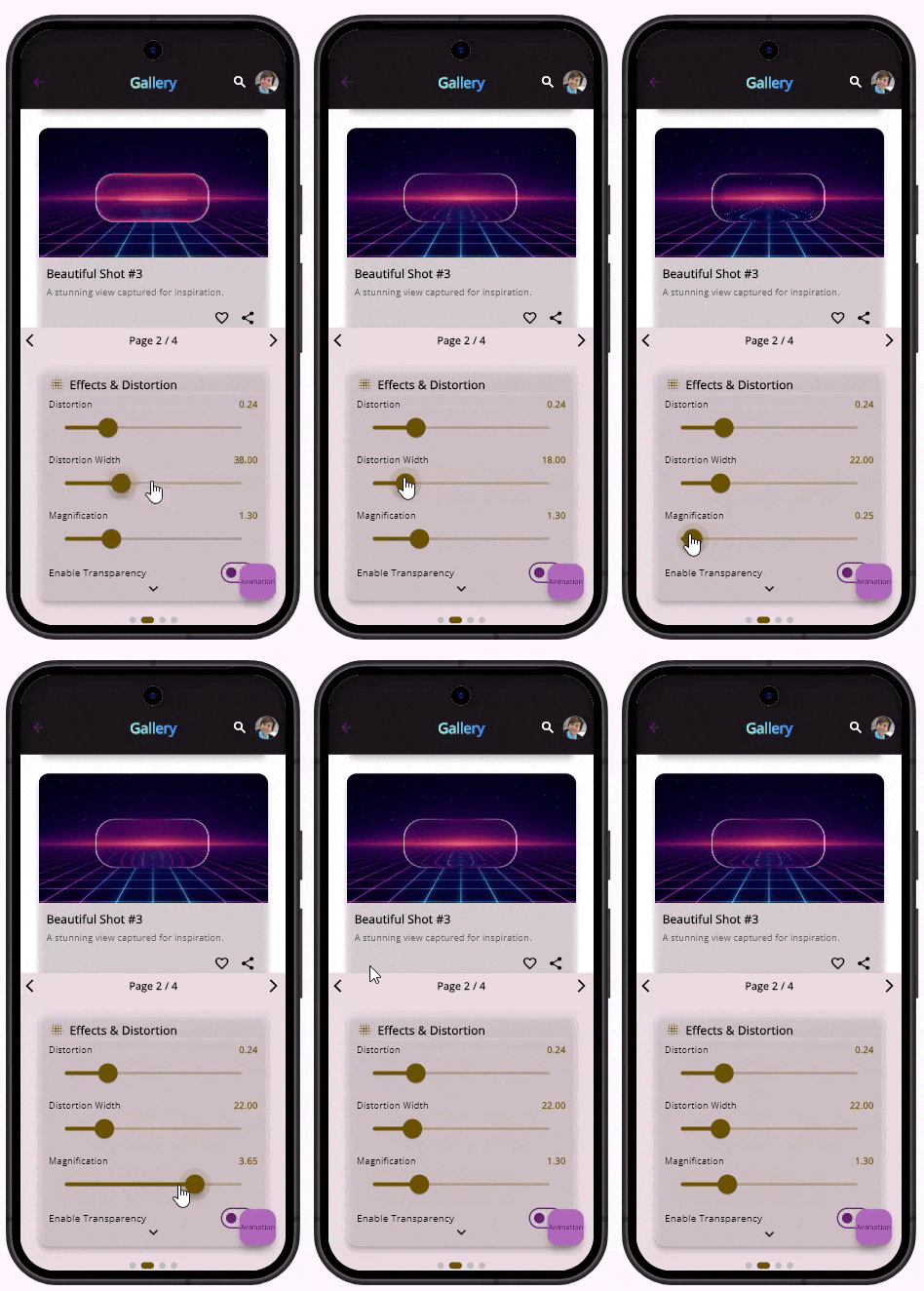

Making liquid glass components
Documentation says nothing about how to make something liquid. Also, package provides no ready to use liquid components.
So, I guess the only and kinda obvious way is to put something as a child on a LiquidGlass and make it transparent.
Here is my quick and dirty attempt to create a liquid button:
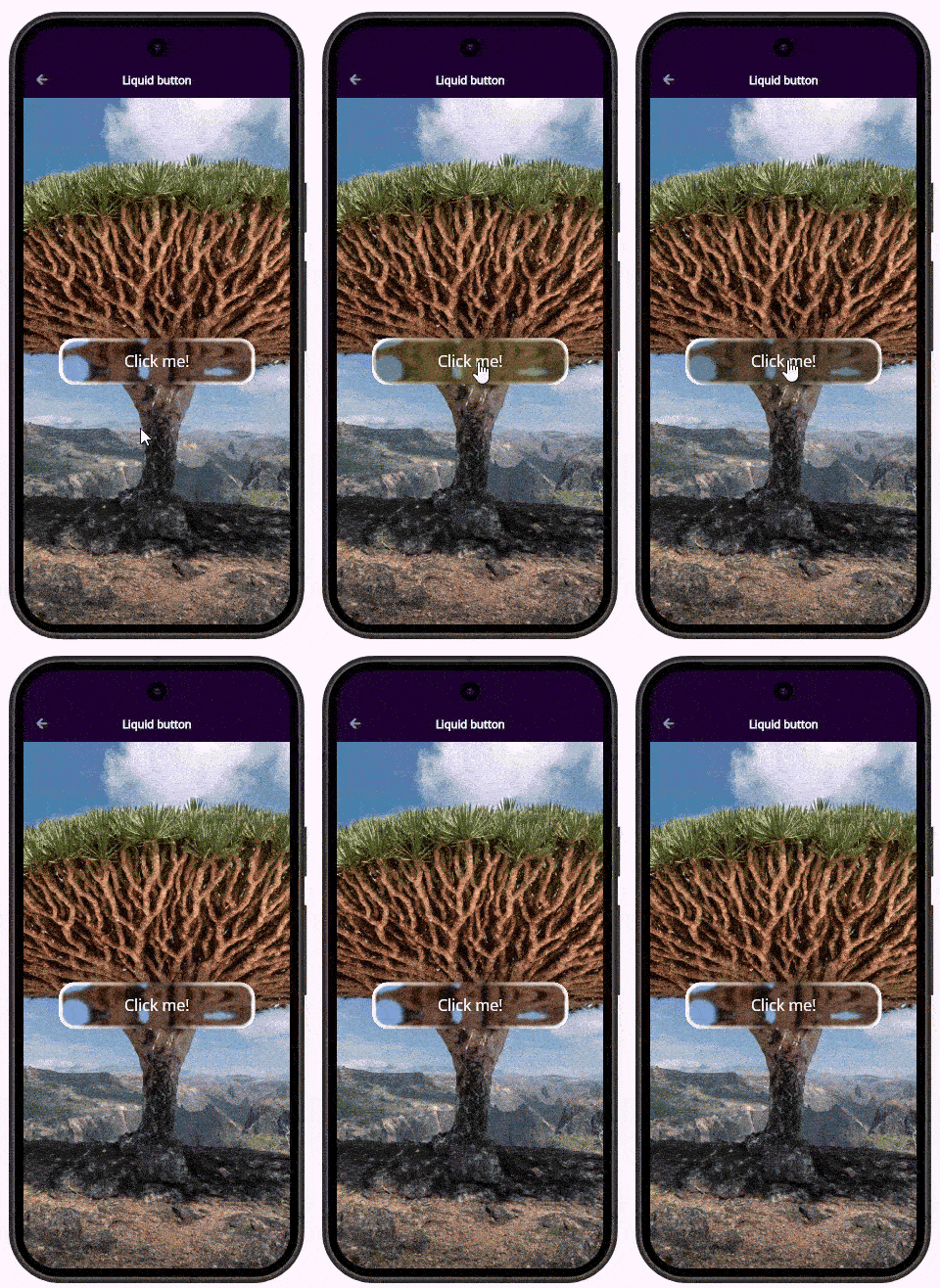
Widget build(BuildContext context) {
    return Scaffold(
      appBar: AppBar(
        title: const Text('Liquid button'),
        centerTitle: true,
      ),
      body: LiquidGlassView(
        backgroundWidget:// Image.asset('assets/images/background/purple_texture_dark.webp', fit: BoxFit.cover),
         Image.network(
        "https://raw.githubusercontent.com/AhmeedGamil/liquid_glass_easy_assets/refs/heads/main/socotra_tree_2.jpg",
        fit: BoxFit.cover,
        width: double.infinity,
        height: double.infinity,
      ),
        children: [
          LiquidGlass(
            width: 300,
            height: 70,
            magnification: 1,
            distortion: 0.2,
            distortionWidth: 50,
            blur: LiquidGlassBlur(sigmaX: 1.75, sigmaY: 0.75),
                shape: RoundedRectangleShape(
                    //highDistortionOnCurves: true,
                    cornerRadius: 24,
                    borderWidth: 3,
                    borderSoftness: 5.5,
                    lightIntensity: 1.5,
                ),
            position: LiquidGlassAlignPosition(alignment: Alignment.center),

            child: Center(child:
            SizedBox(
              width: 300,
              height: 70,
              child: FilledButton(onPressed: () {  },
              style: FilledButton.styleFrom(
                backgroundColor: Colors.transparent,
                foregroundColor: Colors.white,
                overlayColor: Colors.yellow,
                surfaceTintColor: Colors.blue,
              ),
              child: Text('Click me!', style: TextStyle(fontSize: 24,),)),
            )),
          ),
        ],
      ),
    );
  }
}
Performance
Unfortunately the project I used for testing liquid_glass_easy is a bit old and Android build failed. I am lazy to fix it, the project is educational anyway.
But on Windows there is no performance impact at all. (I have profiled the above page with a button. )
Summary
I don't think that liquid glass that important. It will not make useless app useful and its absence will not make useful app useless. So, I am not going to use it in my projects.
But as a Flutter enthusiast, I am happy that this solution exist and I am sure that other solutions (probably even better) are on the way. And soon, it will be easier to create liquid glass components in Flutter than in SwiftUI.