
Sorting is one of the most fundamental concepts in computer science. From ranking search results to organizing massive datasets, sorting algorithms play a crucial role in real-world applications.
In this blog, you'll learn 5 essential sorting algorithms in Python, explained in a beginner-friendly way with clean code examples:
✅ Bubble Sort ✅ Selection Sort ✅ Insertion Sort ✅ Merge Sort ✅ Quick Sort
Let's dive in 🚀
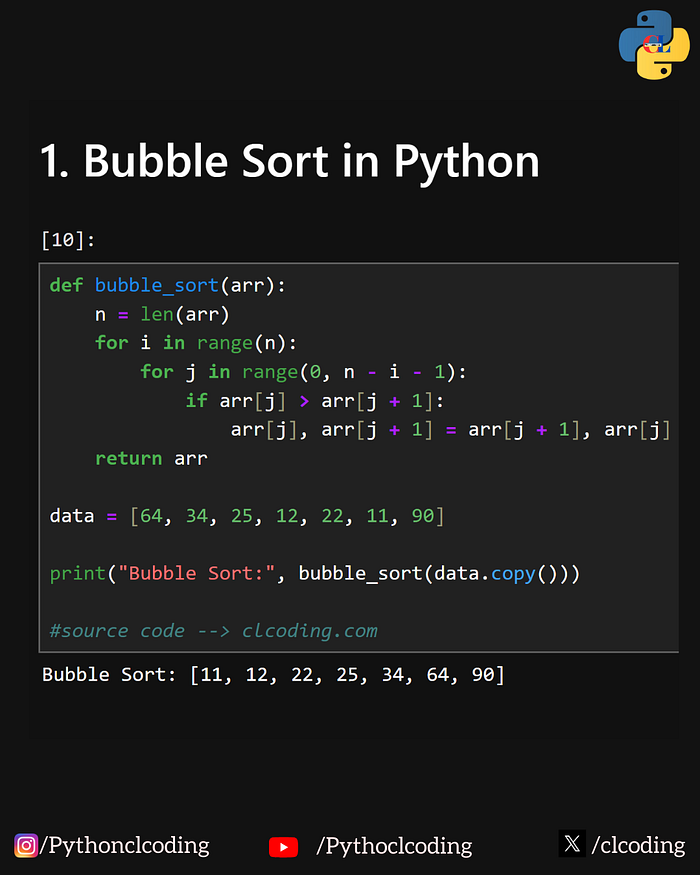
🔹 1. Bubble Sort (Beginner Friendly)
Bubble Sort is the simplest sorting algorithm. It works by repeatedly swapping adjacent elements if they are in the wrong order.
✅ Python Code:
def bubble_sort(arr):
    n = len(arr)
    for i in range(n):
        for j in range(0, n - i - 1):
            if arr[j] > arr[j + 1]:
                arr[j], arr[j + 1] = arr[j + 1], arr[j]
    return arr

data = [64, 34, 25, 12, 22, 11, 90]
print(bubble_sort(data.copy()))
✅ Easy to understand ❌ Very slow for large data
Time Complexity: O(n²)
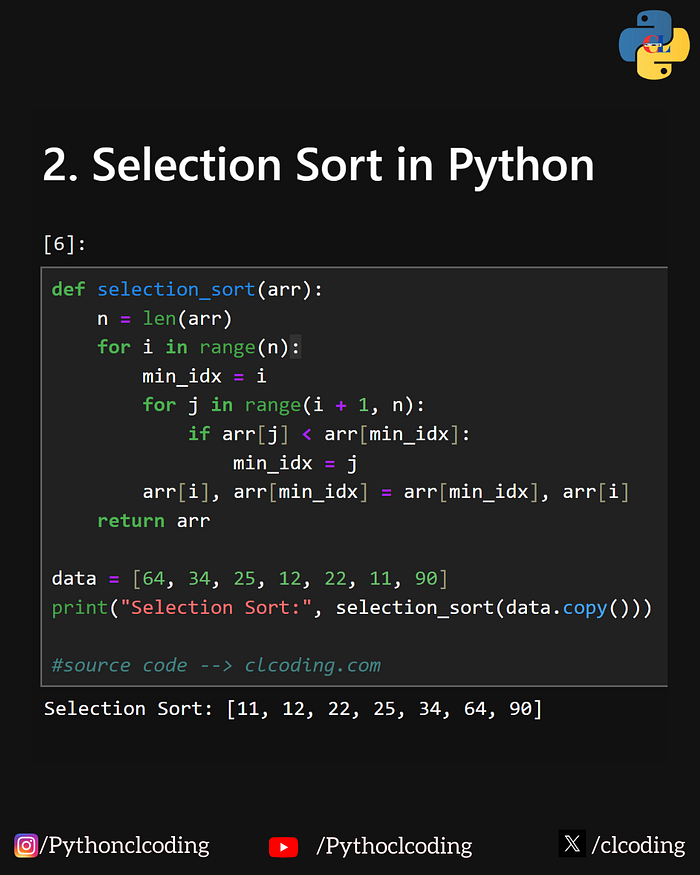
🔹 2. Selection Sort (Simple & Systematic)
Selection Sort selects the smallest element and places it at the correct position one by one.
✅ Python Code:
def selection_sort(arr):
    n = len(arr)
    for i in range(n):
        min_idx = i
        for j in range(i + 1, n):
            if arr[j] < arr[min_idx]:
                min_idx = j
        arr[i], arr[min_idx] = arr[min_idx], arr[i]
    return arr

data = [64, 34, 25, 12, 22, 11, 90]
print(selection_sort(data.copy()))
✅ Fewer swaps than Bubble Sort ❌ Still slow for large lists
Time Complexity: O(n²)
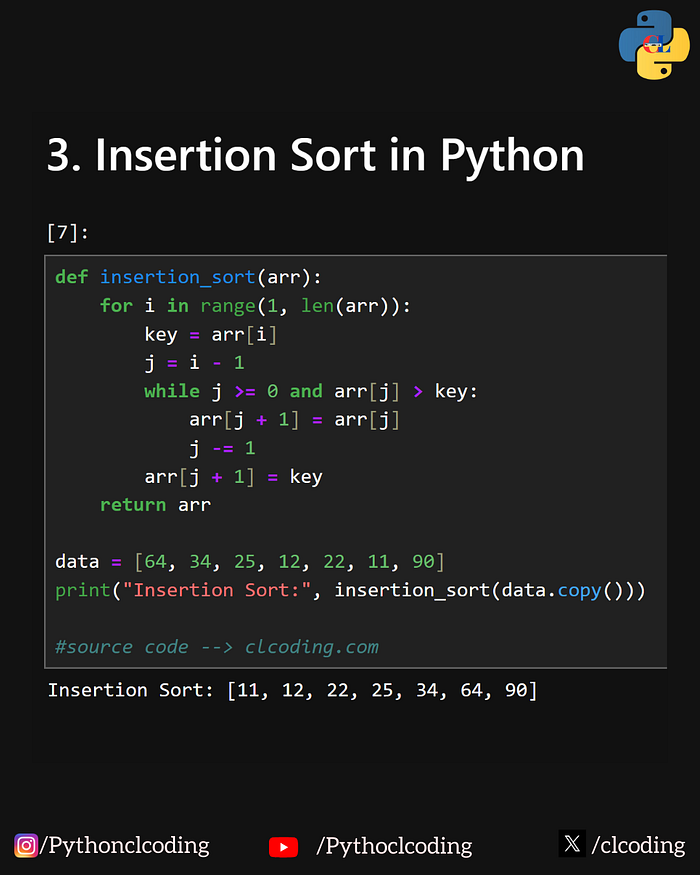
🔹 3. Insertion Sort (Best for Nearly Sorted Data)
Insertion Sort works the way we arrange playing cards in our hands.
✅ Python Code:
def insertion_sort(arr):
    for i in range(1, len(arr)):
        key = arr[i]
        j = i - 1
        while j >= 0 and arr[j] > key:
            arr[j + 1] = arr[j]
            j -= 1
        arr[j + 1] = key
    return arr

data = [64, 34, 25, 12, 22, 11, 90]
print(insertion_sort(data.copy()))
✅ Very fast for small & nearly sorted data ❌ Slow for large unordered lists
Time Complexity: O(n²)
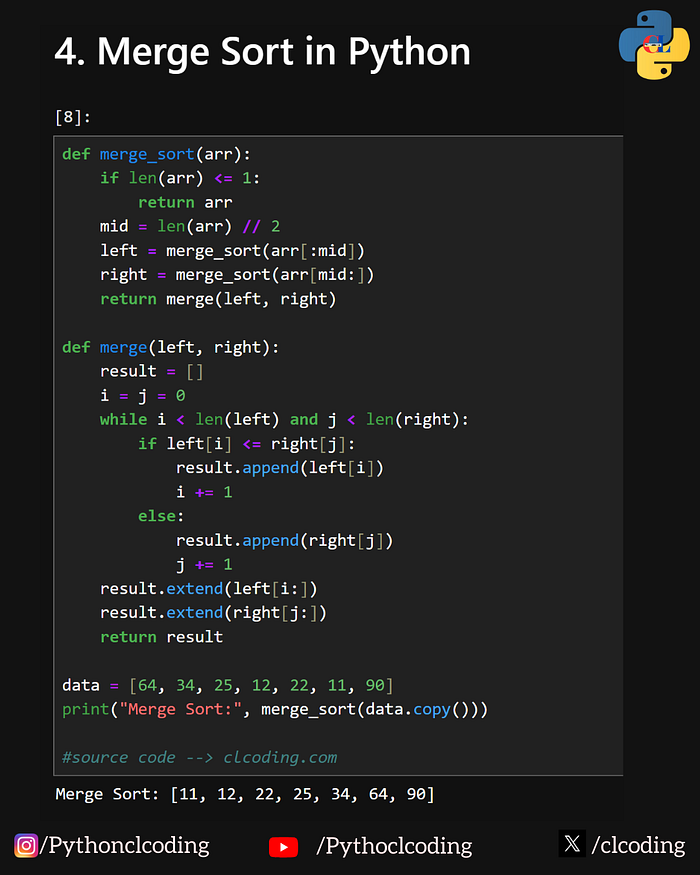
🔹 4. Merge Sort (Divide & Conquer Power)
Merge Sort uses a divide-and-conquer strategy. It splits the list, sorts each half, and merges them efficiently.
✅ Python Code:
def merge_sort(arr):
    if len(arr) <= 1:
        return arr
    mid = len(arr) // 2
    left = merge_sort(arr[:mid])
    right = merge_sort(arr[mid:])
    return merge(left, right)

def merge(left, right):
    result = []
    i = j = 0
    while i < len(left) and j < len(right):
        if left[i] <= right[j]:
            result.append(left[i])
            i += 1
        else:
            result.append(right[j])
            j += 1
    result.extend(left[i:])
    result.extend(right[j:])
    return result

data = [64, 34, 25, 12, 22, 11, 90]
print(merge_sort(data.copy()))
✅ Fast for large data ✅ Stable sorting ❌ Uses extra memory
Time Complexity: O(n log n)
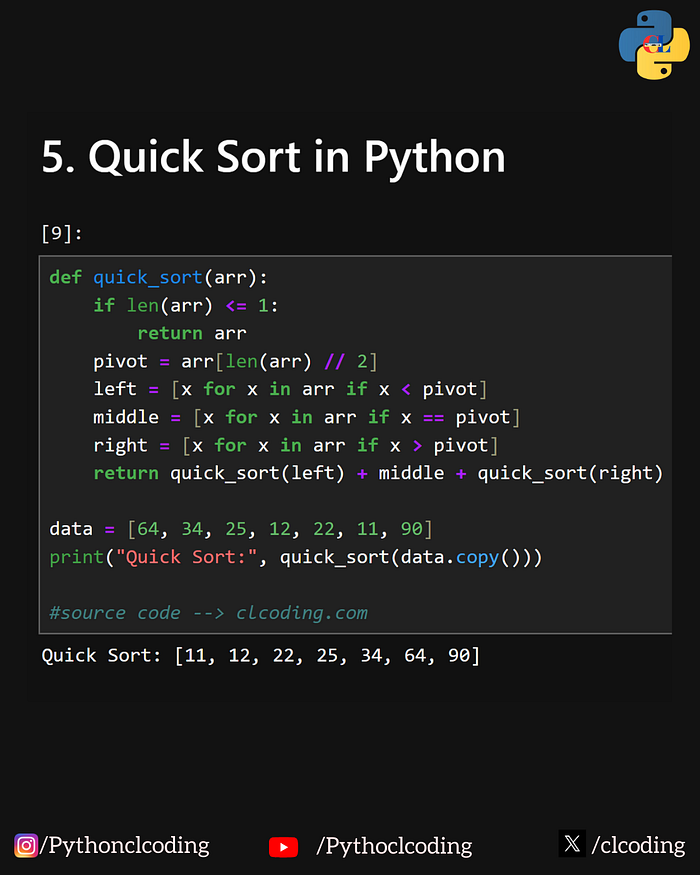
🔹 5. Quick Sort (Fastest in Practice)
Quick Sort selects a pivot element and partitions the array around it.
✅ Python Code:
def quick_sort(arr):
    if len(arr) <= 1:
        return arr
    pivot = arr[len(arr) // 2]
    left = [x for x in arr if x < pivot]
    middle = [x for x in arr if x == pivot]
    right = [x for x in arr if x > pivot]
    return quick_sort(left) + middle + quick_sort(right)

data = [64, 34, 25, 12, 22, 11, 90]
print(quick_sort(data.copy()))
✅ Extremely fast ✅ Used in real-world systems ❌ Worst case can be slow
Time Complexity: • Average → O(n log n) • Worst → O(n²)
📊 Quick Comparison
AlgorithmBestAverageWorstBubbleO(n)O(n²)O(n²)SelectionO(n²)O(n²)O(n²)InsertionO(n)O(n²)O(n²)MergeO(n log n)O(n log n)O(n log n)QuickO(n log n)O(n log n)O(n²)
✅ Final Thoughts
If you are a beginner, start with:
- ✅ Bubble Sort
- ✅ Insertion Sort
If you want real performance, go with:
- ✅ Merge Sort
- ✅ Quick Sort
Sorting is a must-have skill for coding interviews, DSA preparation, and real-world projects.
🚀 Follow for More Python Content
If you enjoyed this blog and want daily Python tricks, quizzes & real-world projects, follow me for more!
💬 Comment "SORTING" and I'll share a full visual sorting animation project in Python with you.