

Let's be honest — whenever someone thinks about an "AI tool," they're usually referring to ChatGPT, Gemini, or Claude.
We all know how powerful AI is. In fact, it's one of the biggest opportunities of our lifetime — whether you want to grow a business or start one from scratch.
And what do you really need to do? Just use the right AI tools, automate the boring tasks, and make yourself 10x more productive.
The problem is, there are tons of AI tools out there, and new ones are popping up every week. But most people don't know anything beyond ChatGPT, Gemini, and Claude.
That's exactly what this article is for — a curated list of the latest AI tools you should know about and start using today.
This post contains no affiliate links, and most of these tools are free to use (at least up to a limit).
1. Nano Banana
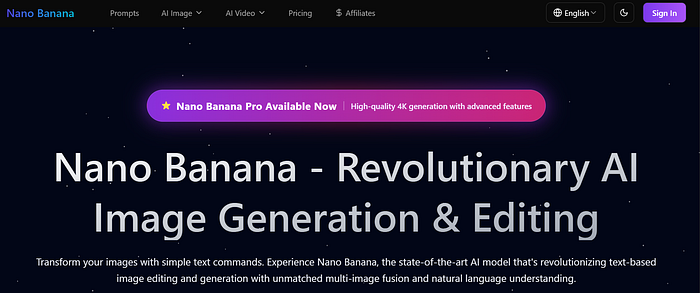
You've probably heard about this tool recently — it's been getting a lot of attention.
Earlier, I used to recommend Leonardo AI a lot because it was one of the best free AI image generators. It allowed you to create highly realistic images, and the platform kept improving with new models.
But after discovering Nano Banana, I've started using it much more. It's incredibly easy to use and gives you much better control when generating and editing images.
To try it out:
- Go to the Gemini website
- Select the "Create images" option
- Write a detailed prompt
That's it — you'll get a high-quality AI-generated image within seconds. I tested it with a specific prompt, and the results were surprisingly good.
Personally, I now use Nano Banana a lot for image editing, and honestly, I don't feel the need for Canva anymore.
The best part? You can use it for free multiple times every day (with some limits).
2. Strix
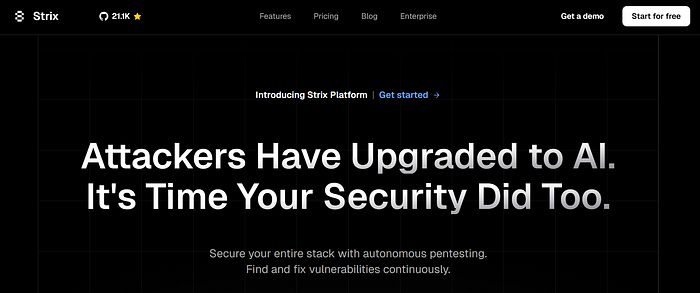
When it comes to tech, there are now tons of AI tools that can build websites, create apps, generate resumes, and even review code.
But this one is a bit different. Strix is an AI-powered tool that helps you perform penetration testing — even if you're not an expert.
In simple terms, penetration testing means testing a website or system to find security weaknesses before hackers do.
Normally, companies hire professionals for this. They simulate real cyberattacks to find and fix vulnerabilities. But with Strix, a lot of this process can now be automated.
You just need to:
- Visit the website
- Click on "Get Started"
- Enter your domain
And the tool will start scanning for vulnerabilities, validate them, and even generate detailed reports.
This makes it especially useful for:
- Developers
- Students learning cybersecurity
- Startup founders
Strix also offers different pricing plans depending on your needs.
3. Stitch
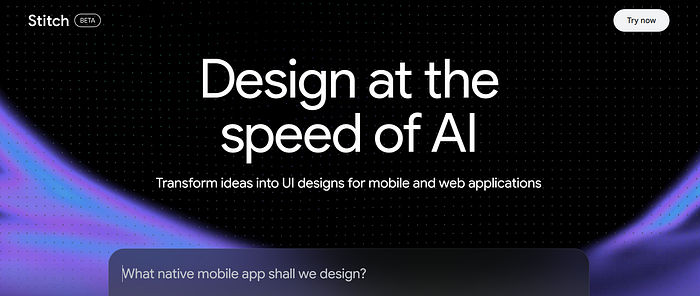
We already know that AI tools like ChatGPT, Gemini, and Claude can help us write code and build apps.
But what about designing the UI (user interface) for those apps? That's where Stitch comes in — an AI tool developed by Google that helps you generate UI designs for mobile and web applications.
Getting started is simple:
- Visit the official Stitch website
- Write a prompt describing the design you want
Within seconds, it will generate a clean UI design for you. I tried creating a simple portfolio design, and the result was surprisingly good.
You can also:
- Edit the design further
- Export or copy it into Figma for more customization
As for pricing, Stitch is currently free with some limits:
- Up to 350 generations (Flash mode)
- Up to 50 generations (Experimental mode) per month
4. Codex
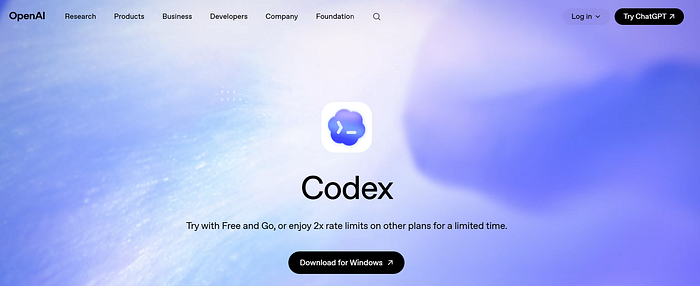
The next tool I want to talk about is Codex, an AI model developed by OpenAI.
It was introduced in May 2025 and is designed to act like a cloud-based software engineering assistant.
In simple terms, Codex can help you:
- Understand your codebase
- Fix bugs
- Suggest improvements
- Even generate pull requests
It can handle multiple coding tasks at the same time, which makes it very powerful for developers.
To use Codex, you need to upgrade to a ChatGPT Pro or Team plan. Once you have access, you can use it directly inside ChatGPT.
However, since it's a paid tool, it might not be suitable for everyone — especially students who are just getting started.
5. Buildpad
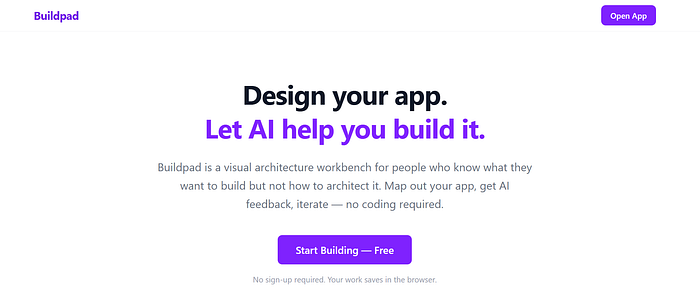
This one is my personal favorite. I've actually used Buildpad to start a newsletter that's growing really fast.
Buildpad is an AI tool that helps you go from an idea to building a real product or business. You might think, "Can't I just use ChatGPT for this?"
Yes — but Buildpad is more structured and focused, especially for founders. Here's what makes it different:
- It's specifically designed for founders and builders
- It follows a clear 7-phase roadmap to guide you step by step
- It asks you questions and helps you refine your ideas — like an AI mentor
It also includes useful features like:
- Web search
- Document and image uploads
- Memory (so it remembers your context)
- Team collaboration
Getting started is simple:
- Visit the website
- Click on "Start for free" or "Start with 2 free phases"
- Create your account and begin
If you're serious about building something — whether it's a project, startup, or even a side hustle — this tool can be really helpful.
6. Inkr
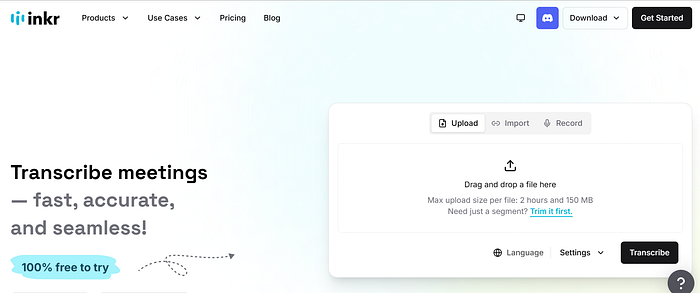
Now, let's talk about a tool that can convert audio into text in seconds.
Inkr is an AI-powered transcription tool that turns your audio into accurate and well-structured content.
Getting started is simple:
- Visit the website
- Upload, import, or record your audio
Within minutes, your transcript will be ready. Some useful features include:
- Converts long audio into text quickly
- Supports multiple audio formats
- Automatic speaker labeling
- Ask questions and get answers from your transcript
Inkr also offers a free plan:
- 120 credits per week
- Downloads available with a watermark
If you want to upload longer audio (up to 10 hours) and download without a watermark, you'll need to upgrade to a paid plan.
7. Fluig AI
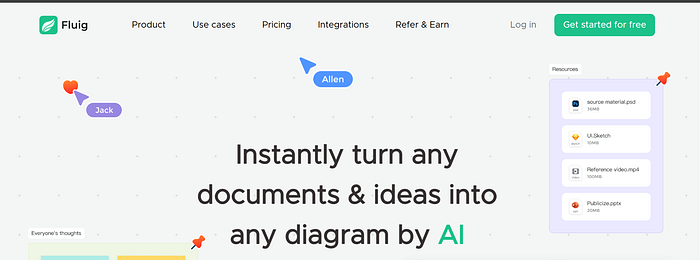
The last tool on this list is Fluig AI. It helps you generate diagrams just by writing a simple prompt.
You can also upload files like:
- PPTs
- PDFs
- Images
And it will automatically create diagrams based on that content. Fluig AI supports multiple formats, including:
- Mind maps
- Flowcharts
- Kanban boards
- Timelines
- Tables
Getting started is easy:
- Visit the website
- Click on "Try Fluig for free"
- Create a new file and write your prompt
Within seconds, your diagram will be ready. Fluig AI also offers a free plan:
- Up to 3 files
- 1000 credits for generating diagrams
If you need more usage, you can upgrade to a paid plan.
AI is evolving faster than ever, and new tools are being released almost every week.
While most people stick to ChatGPT, Gemini, or Claude, there's a whole world of powerful AI tools that can help you save time, learn faster, and even build something of your own. The key is simple — don't just consume AI, start using it.
Try a few tools from this list, experiment with them, and see what works best for you. You might be just one tool away from your next big idea.
Hope you enjoyed this and discovered something new.
Thanks for reading — see you in the next guide! 💗
As always, feel free to drop a comment if I've made any mistakes or if there's any way I can help!
Before you go: Be sure to clap 👏 Share with other developers who might benefit from this solution! Follow the author to support: https://medium.com/@sunil17bbmp Donate: Buy me a Coffee ☕